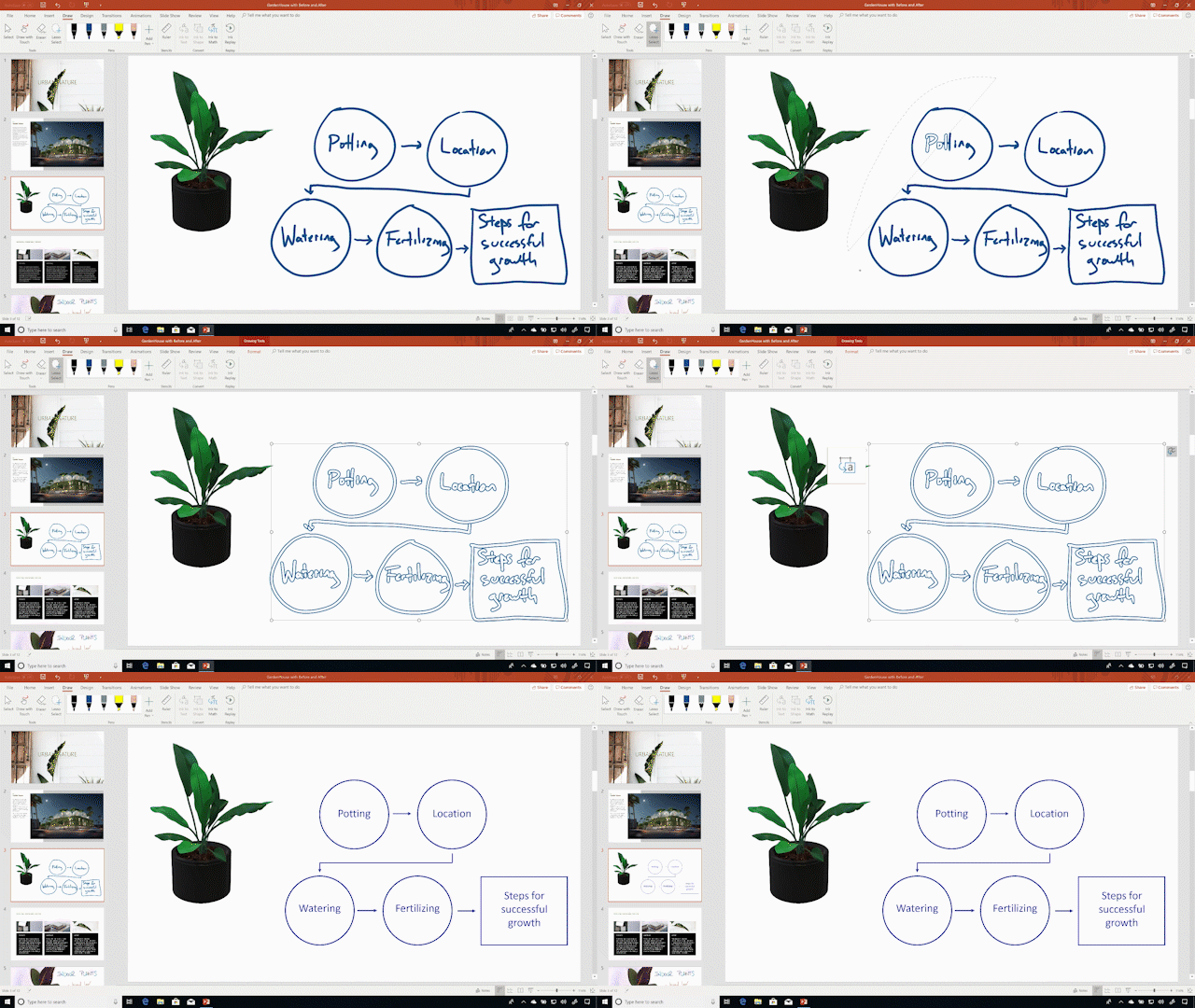
PowerPoint's digital ink features are a game-changer for anyone looking to create dynamic and engaging presentations. With this feature, users can use a stylus or their fingers to annotate their slides in real-time. This makes it easy to highlight important points, draw attention to specific elements, and create custom illustrations on the fly. By allowing presenters to add their own personal touch to their presentations, digital ink can help to make presentations more engaging and memorable for all types of audience.
Another benefit of digital ink is that it can make presentations more inclusive and accessible. For example, presenters can use digital ink to write out complex equations or diagrams, making it easier for their audience to understand and follow along. This can be especially useful in technical or scientific presentations where complex concepts need to be explained in a clear and concise manner. Additionally, digital ink can be used to create interactive elements such as quizzes or games, making presentations more fun and engaging for their audience.
Overall, PowerPoint's digital ink features are a valuable tool that can help presenters create more engaging and interactive presentations. Whether you're a student, a business professional, or anyone in between, digital ink can definitely help to convey your message more effectively and leave a lasting impression on your audience.

You sure make me want to explore and use digital ink in PowerPoint ^_^
ReplyDeleteThis blog post would be a great trailer for 6.6.3 Digital Ink!
Nice animated GIF, Jimena :-)
What a neat feature. Crazy to think how far some of these program have come since the early 2000s. I'm sure most people wouldn't have ever thought they would have gained so many cool features!
ReplyDeleteAh, digital ink in Powerpoint, the magical tool that allows us to unleash our inner artist and turn our presentations into avant-garde masterpieces. Okay mine didn't quiet come out how I wanted to. 😁
ReplyDeleteThis is a nifty feature in PowerPoint and as Jimena pointed out it would help those presenters that have complex diagrams or equations that a template would not suffice or if they wanted to be unique.
ReplyDeleteI think this feature is especially useful for note taking, making your notes professional.
ReplyDeleteYes, the feature digital ink is quite impressive and gives a presentation a more appealing look for the audience. There is nothing more important than making a presentation easy to understand.
ReplyDelete